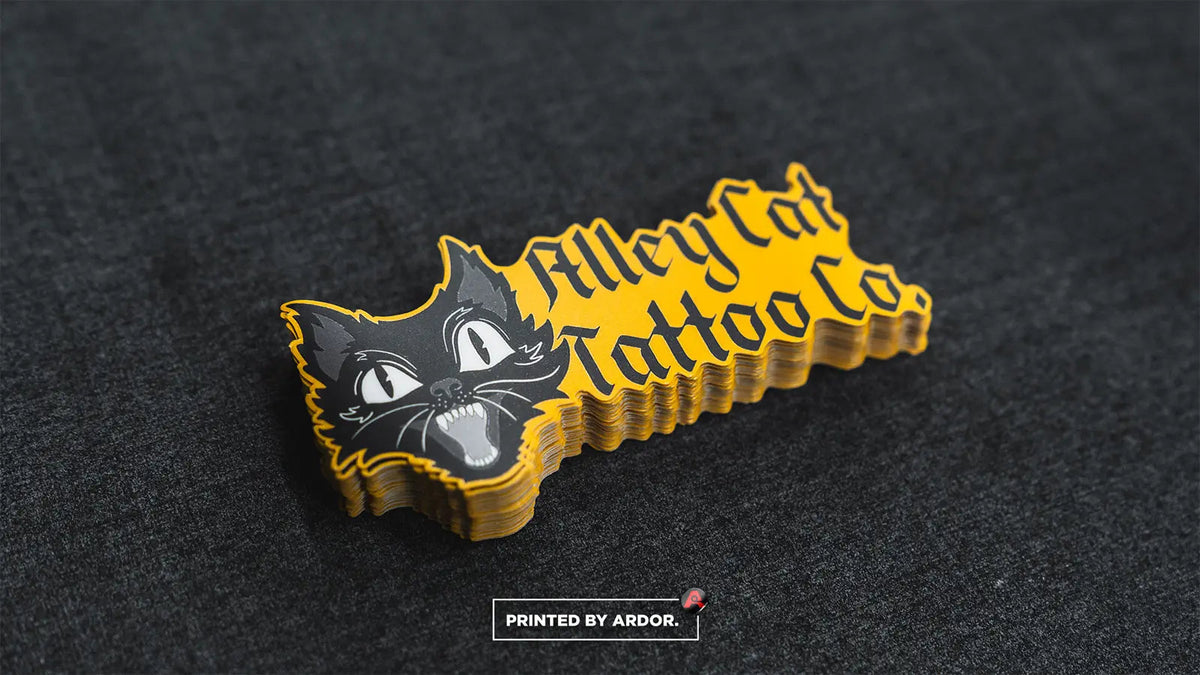
There are two ways to get custom stickers made. You can print them at home on sticker paper, or you can send your design to a print shop that prints on vinyl, laminates and cuts them for you. Home printing is fine for a handful of stickers for a craft project. For stickers that need to last, look consistent or number in the hundreds, a print shop is the practical route. This guide covers how to print stickers that way, step by step, using our own process as the example.
Step 1: get your file ready
We accept PNG, JPG, PDF, AI, EPS and SVG files. Vector files or 300 dpi images give the sharpest results.
- Vector art (AI, EPS, SVG and most PDFs) is made of shapes rather than pixels, so it stays sharp at any size. Logos and illustrations drawn in vector software are ideal.
- Raster images (PNG, JPG) are made of pixels. They need enough resolution for the printed size: at least 300 dpi at your final sticker size. A 3 inch sticker needs an image about 900 pixels across.
- Transparent PNGs give the cleanest die cut, because the cut can follow your artwork instead of a white rectangle.
Keep important text and thin lines a little inside the cut line.
Step 2: choose a sticker type and finish
The cut decides how the sticker is shaped and handled. Die cut follows the outline of your art, kiss cut leaves an easy-peel backing border, and circles, squares and rectangles suit labels. Our guide to kiss cut vs die cut stickers explains the difference. Then pick a finish. If you're unsure, read matte vs glossy stickers.
Step 3: pick a size and quantity
Most standard sizes run from 2 to 5 inches, and the sticker size guide lists every size we print. Quantities run from 50 to 10,000, and the price per sticker drops as the quantity goes up. If it's a design you'll keep using, compare a couple of tiers on the bulk stickers page before you choose.
Step 4: upload your art or design online
You have two options.
- Upload on the product page. Choose your size, quantity and finish, upload your file and check out.
- Use Sticker Studio. It's our free online sticker maker. Drop in your design, remove a solid background, set the die cut border from 1/16 to 3/16 inch and see the exact cut line in a live preview. You can also start with text and clipart.
No artwork at all? Describe your idea in the AI Sticker Idea Generator and pick a design to print.
Step 5: review your proof
After you order, a person on our prepress team checks your file and emails a digital proof. Nothing prints until you approve it. This is the most important step, so slow down and check:
- Artwork and layout
- Spelling and text
- Size and dimensions
- Quantity
- Material and finish
- The cut line around your design
If something needs to change, say so before you approve. Once you approve a proof, the order goes into production and can't be changed.
One note on color: screens and printers show color differently, so printed colors can vary slightly from what you see on screen.
Step 6: printing, laminating and cutting
Here is what happens after you approve. Your design is printed in full color on premium vinyl with HP Latex inks. Every sheet is laminated, then cut to the exact shape of your design on our digital cutter. It all happens in-house at Ardor Printing in Snohomish, Washington.
Most orders are ready to ship 2–3 business days after you approve your proof. Very large or specialty orders can take a little longer, and we'll tell you up front if they will.
Step 7: choose shipping
Shipping time is in addition to production time.
| Shipping option | Price |
|---|---|
| Ground | Free on every order |
| 2 business day | $25 |
| Next business day | $65 |
If you have a deadline, count backward: delivery day, minus shipping, minus production, minus the time you need to review the proof. Details are on our shipping page.
What if something is wrong with my order?
Every order is custom made, so we don't accept returns. If your stickers arrive with a manufacturing defect, contact us within 72 hours of delivery with your order number and photos. Confirmed defects are fixed with a free reprint.
Common questions
What is the best file format for printing stickers?
A vector file such as AI, EPS, SVG or PDF. If you only have an image, use a PNG or JPG that is at least 300 dpi at the final sticker size.
Can I order several designs at once?
Yes. Add each design to your cart as its own item, or send us a quote request and we'll help you put the order together.
How many stickers should I order?
Order what you'll use in the next few months. The minimum is 50, and the price per sticker drops at each tier up to 10,000.